Hear one mix.Stream another.
Split your DAW into what you hear and what your viewers hear, then send the viewers’ mix straight to OBS.
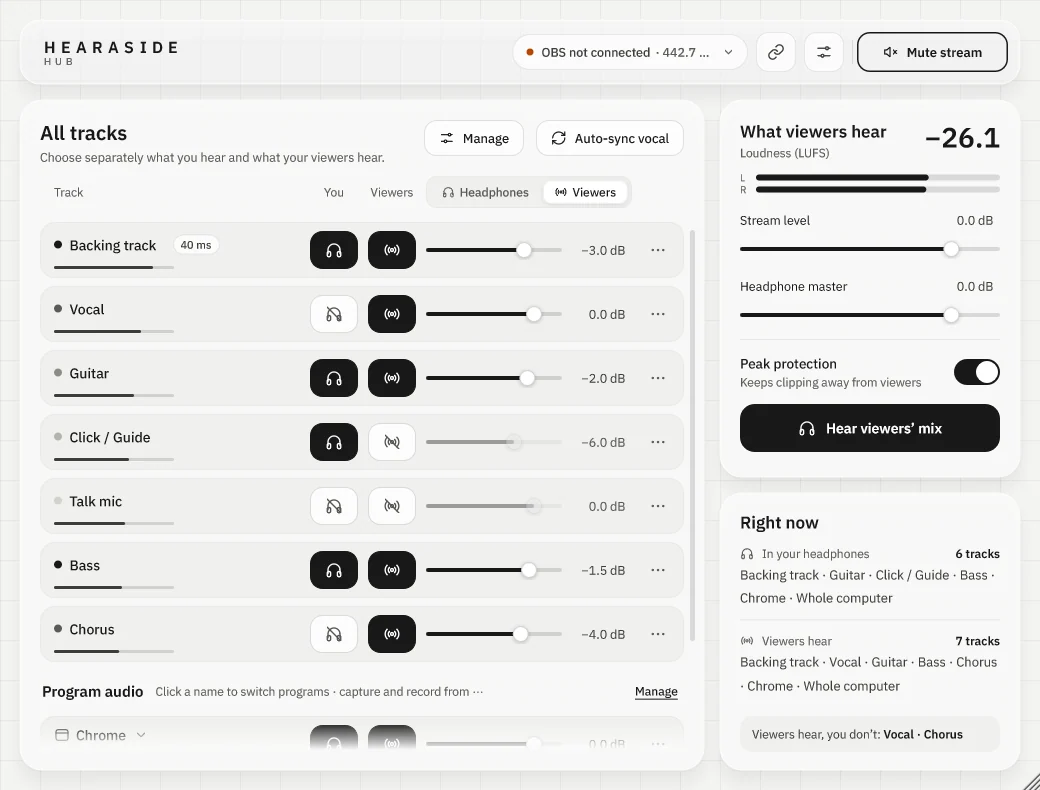
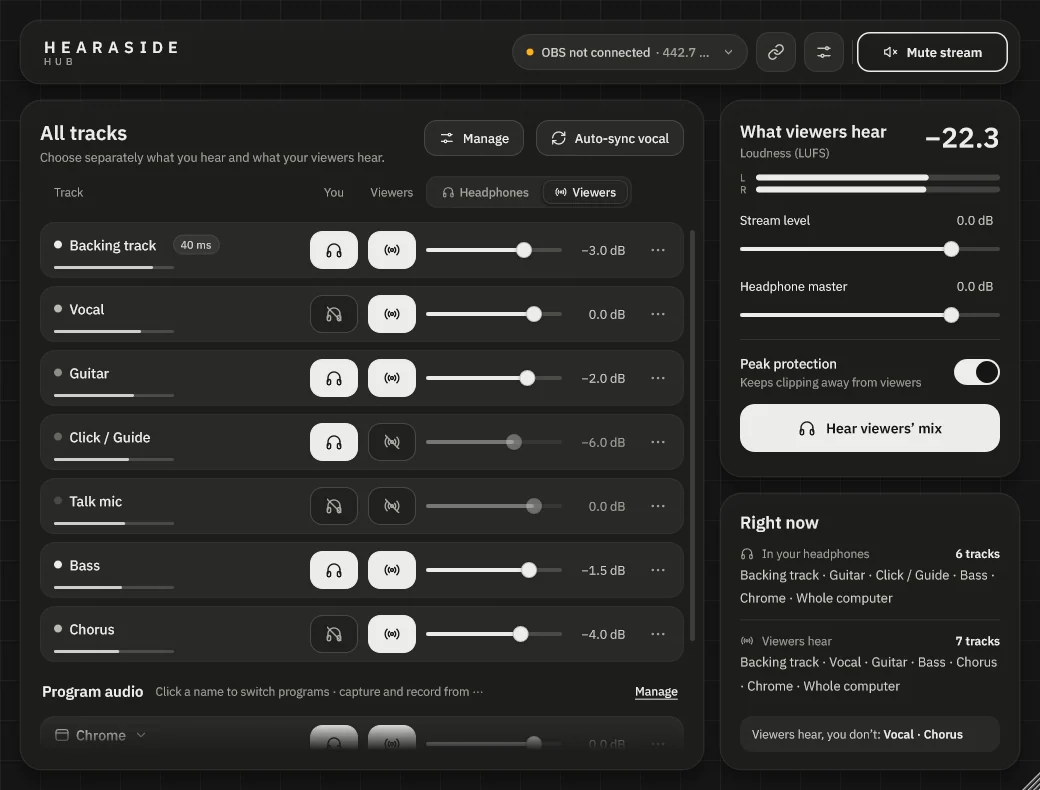
Windows 10 and 11, VST3 and VST2. No account needed.
Click in your ears. Not on stream.
Every track gets two switches. Keep the click and your talk mic in your headphones only, send the backing track and vocal to viewers, and never ask yourself “can they hear this?” again.
Try the switches. This only changes the picture.
Put them where the sound is.
Builds your headphone mix, sends the viewers’ mix to OBS, watches loudness, and runs the friends room.
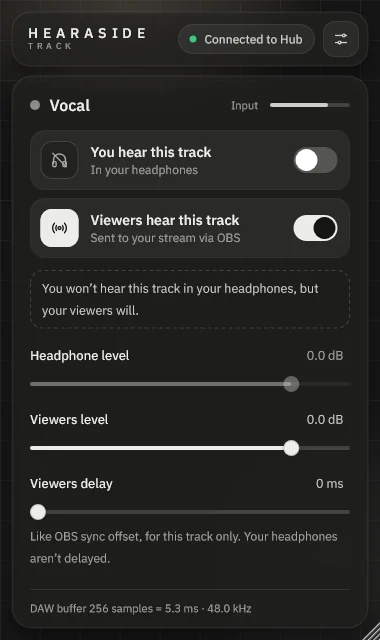
Choose who hears the track. Set levels, pan and delay for viewers. Paste a friend’s link to run their voice through your own plug-ins.
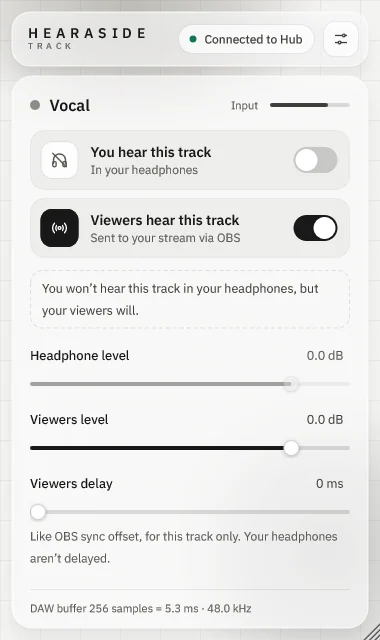
Brings Chrome, Spotify, Discord, the whole computer or a friend into a track, and records it with your DAW.
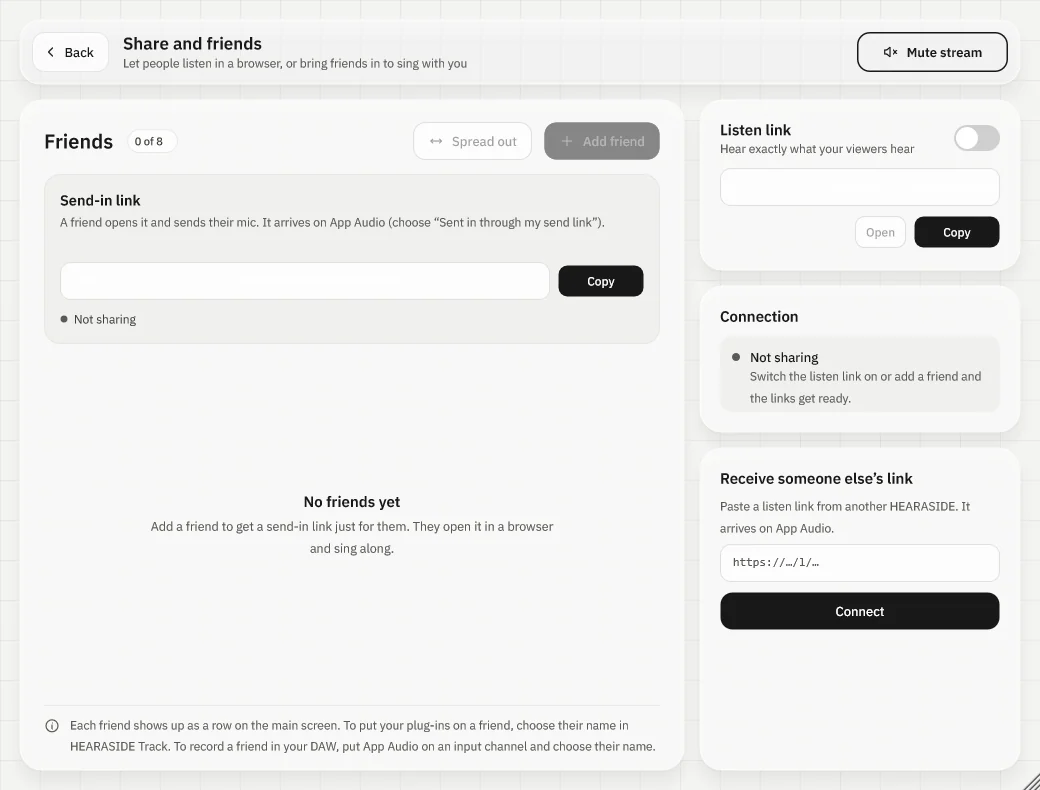
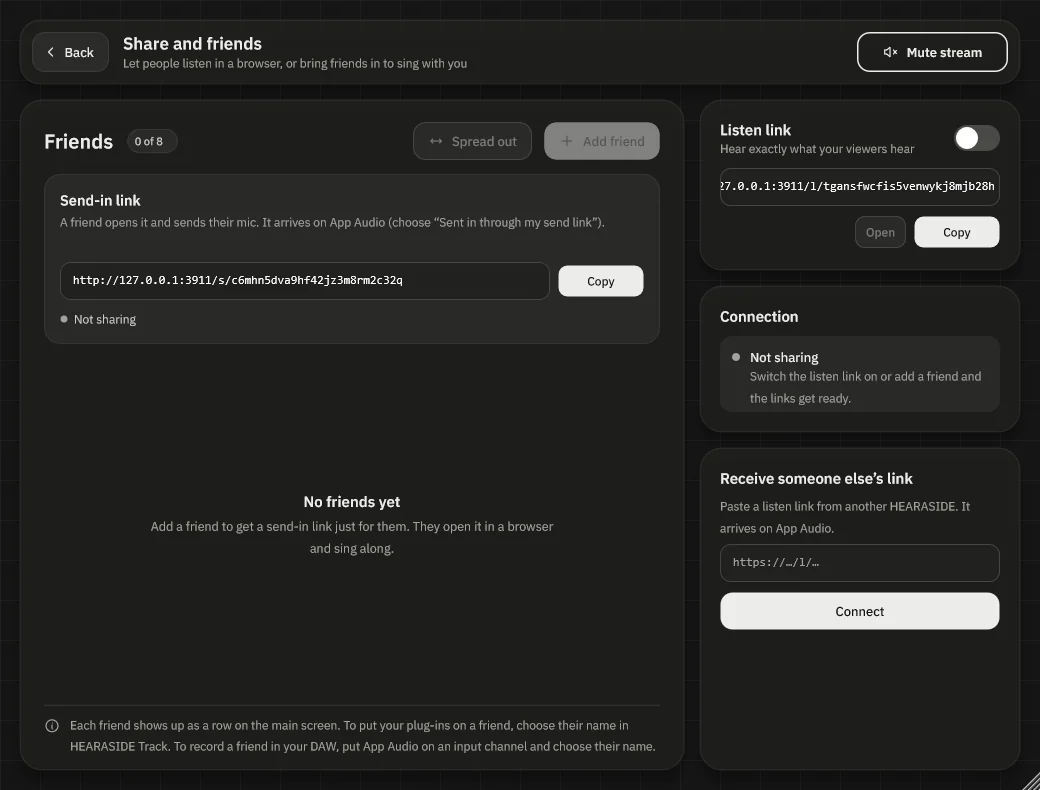
Up to 8 voices. One beat.
- 1Each friend gets a link of their own. They open it in a browser and sing. No install.
- 2Line up holds your live back just enough that everyone lands on the beat for viewers. Your headphones aren’t delayed.
- 3Spread them across the stereo field, or put a friend through your own EQ and reverb in the DAW.
Three steps, about five minutes.
- InstallRun the installer. It adds the VST3 plug-ins and the OBS source.
- Add the plug-insHEARASIDE Hub on your master. HEARASIDE Track at the end of every track you want to control.
- Add it in OBSAdd a source called HEARASIDE. The Hub connects by itself and shows the delay.
Everything works without one. Signing in keeps your things together.
Good to know
Step-by-step guides in English and Thai, from first install to karaoke with friends.
Read the guidesDo I need an account?
No. Every plug-in works fully without one. An account adds permanent links, your name and photo for friends, and settings that follow you.
If my internet drops, do viewers still hear me?
Yes. Audio goes from your DAW to OBS on your own computer. Only friends singing over the internet need a connection.
How much delay does it add?
About one DAW buffer, for example 5.3 ms at 256 samples and 48 kHz. The Hub shows the exact number next to the OBS status.
Which DAWs does it work with?
Any DAW that loads VST3 on Windows. We test Studio One, Cubase, Reaper, FL Studio and Ableton Live.